![branded_update_bb_logo_r_230728-2.png]](https://knowledge.benefitbay.com/hs-fs/hubfs/branded_update_bb_logo_r_230728-2.png?width=317&height=95&name=branded_update_bb_logo_r_230728-2.png)
This article will guide you through the steps to lead your new employer group through the Lead status in benefitbay.
Lead Status
A client in Lead status will have a tab called "Setup" at the top of the left navigation bar.
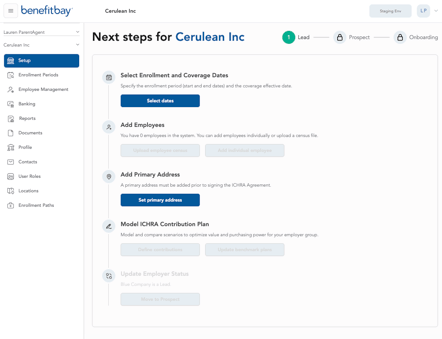
The initial step to complete is to Select Enrollment and Coverage Dates. After the dates are selected, navigate back to the Setup tab to see an expanded list of tasks.
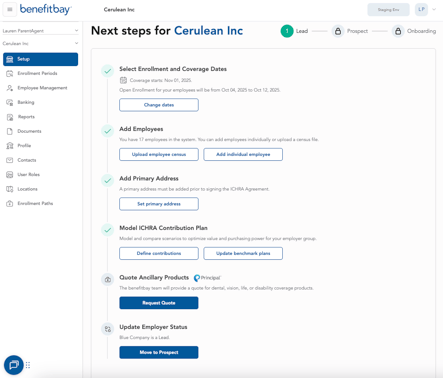
Next, add an employee census, a primary address, and model the employer's ICHRA contribution. You will also have the option to quote ancillary products from our partners at Principal.
When all tasks have been completed, and the Employer has verbally indicated that they will be moving forward with ICHRA and benefitbay, you will update the Employer status to Prospect.
Next, read about the Onboarding stage here. You can also read the Employer-facing version of the Onboarding article here.