![BBay Icon Grdnt-2.png]](https://knowledge.benefitbay.com/hs-fs/hubfs/BBay%20Icon%20Grdnt-2.png?width=40&height=40&name=BBay%20Icon%20Grdnt-2.png)
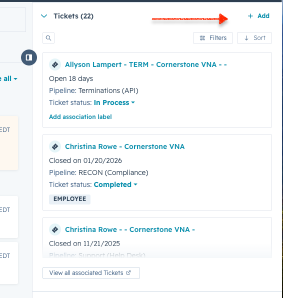
Search for the individual you have the escalation for. In the right corner you will see associated ticket and here you can 'Add' a new ticket
When creating the ticket you will include the employee's name, the employer name, and 'Escalation'. Next you will select 'Escalations' in the 'Pipeline' drop down menu. Next you will select the 'Escalation type'. Ticket status should remain 'New'. Change ticket owner to 'No owner' (HubSpot will auto assign the ticket to the correct team member). You will then select the appropriate priority level. Lastly, you will include a description of what is known and needed.
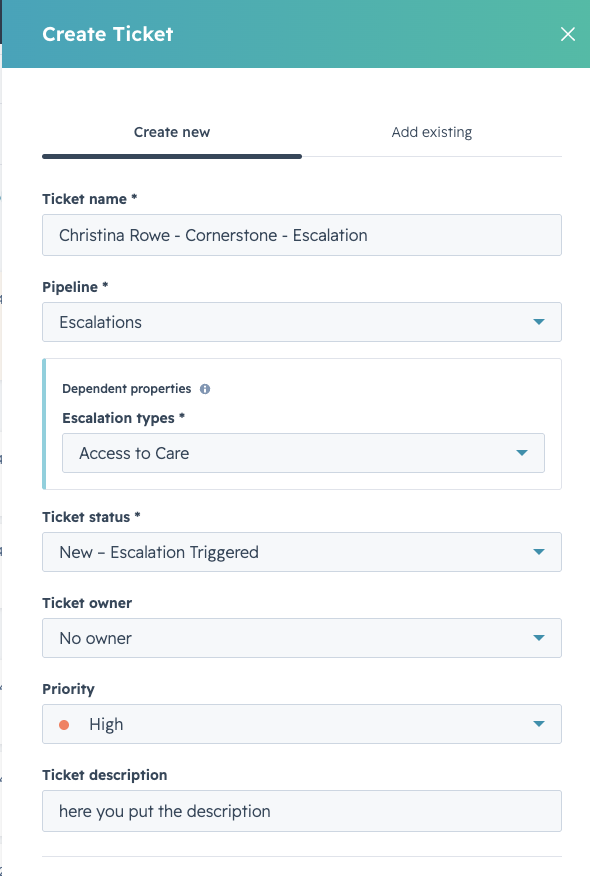
The final section is to use the association label to label the contact correctly. In most cases you will use the 'Employee' label. Once that is completed you can now select the orange 'Create' button.
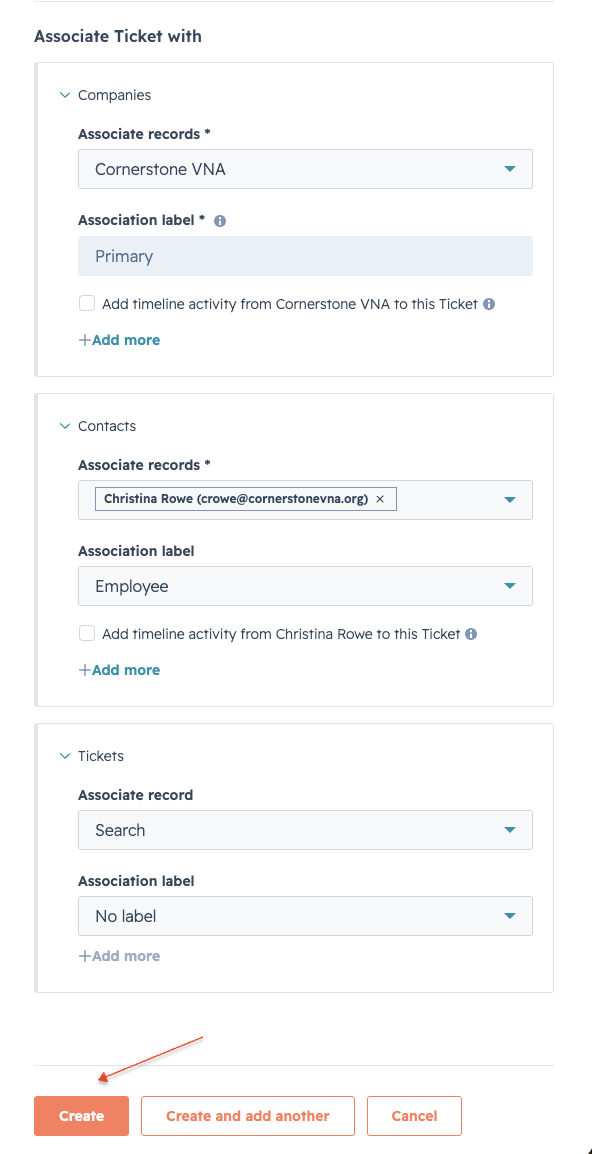
Be aware that you will not be able to create the ticket until all required fields are entered.
Once the ticket is created, if you need to add additional detail or to attach documents, please create a note on the newly created ticket for this.
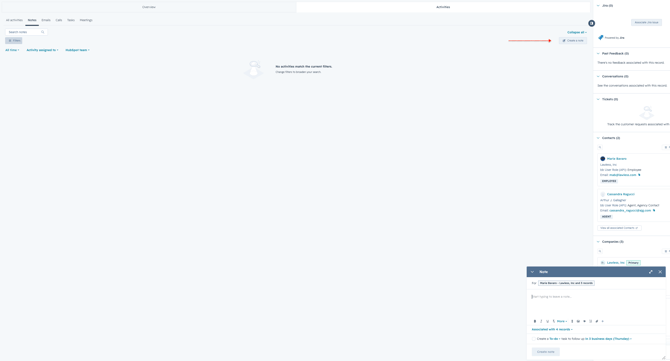
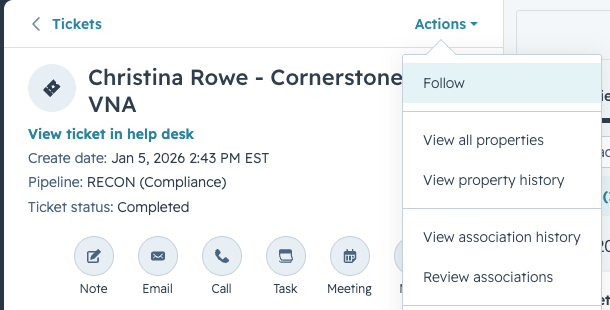
The final step once you complete your ticket is to follow it. This will allow you more visibility and easy of tracking the progress.
Click here for the detailed escalation process