![branded_update_bb_logo_r_230728-2.png]](https://knowledge.benefitbay.com/hs-fs/hubfs/branded_update_bb_logo_r_230728-2.png?height=40&name=branded_update_bb_logo_r_230728-2.png)
Watch this video to learn about verifying your information, signing the HIPAA agreement, and adding dependents.
Verify Information
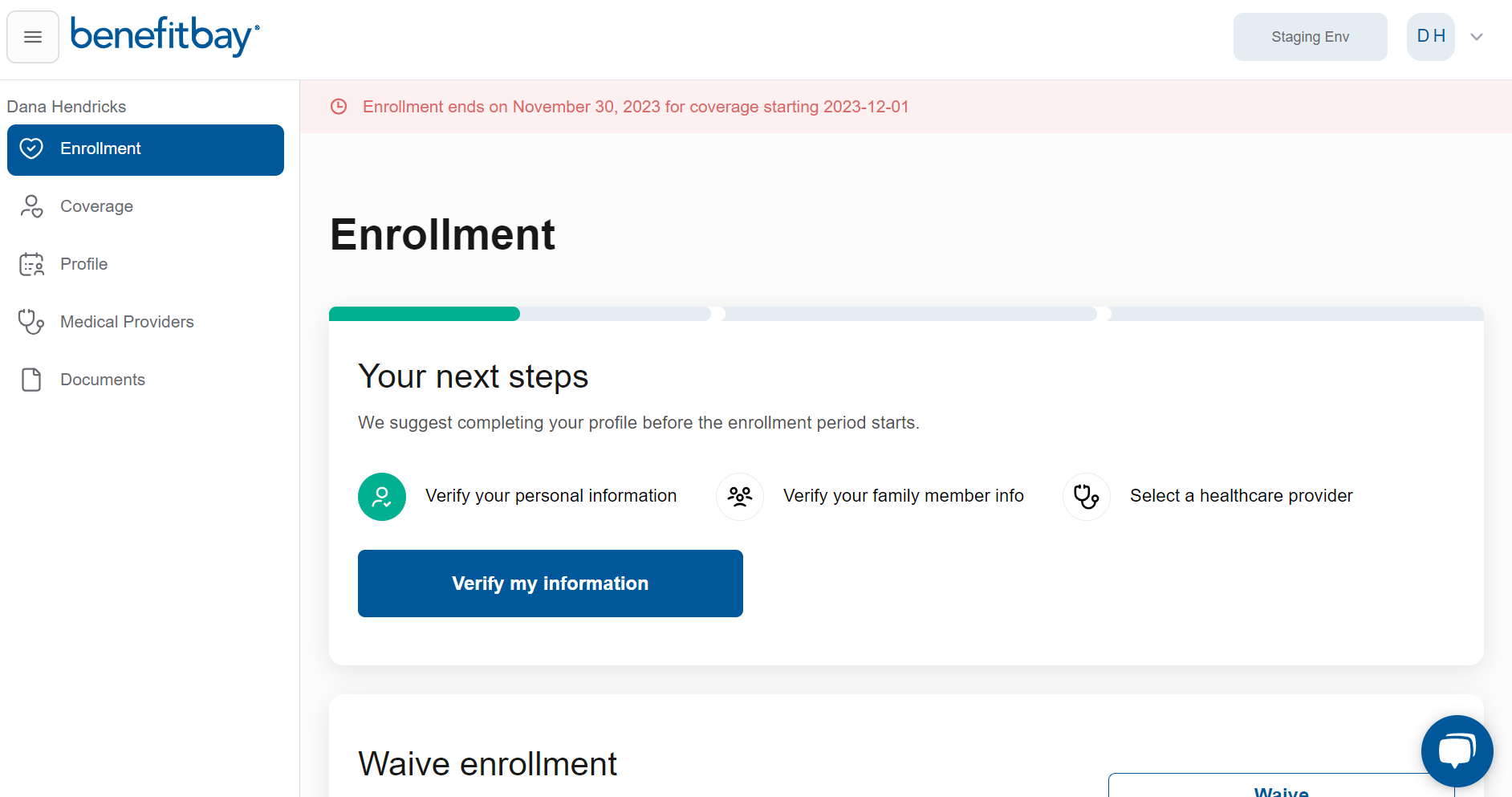
When you first log in to benefitbay®, you will be prompted to verify your personal information. Click the blue "Verify my information" button to begin.
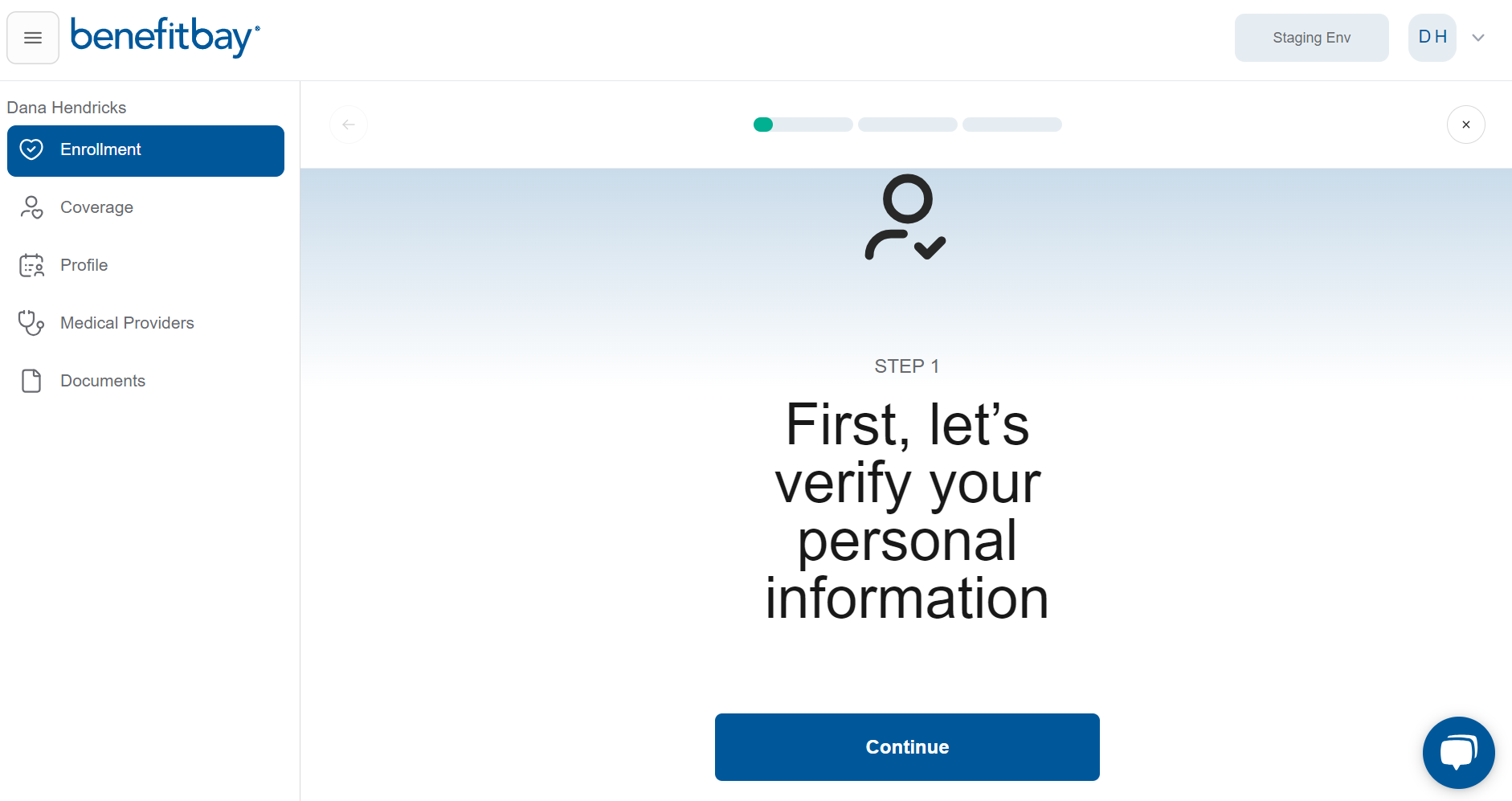
You will be moved to your next step. You can monitor your progress by viewing the green progress bar across the top. Click the blue "Continue" button to move to the next step.
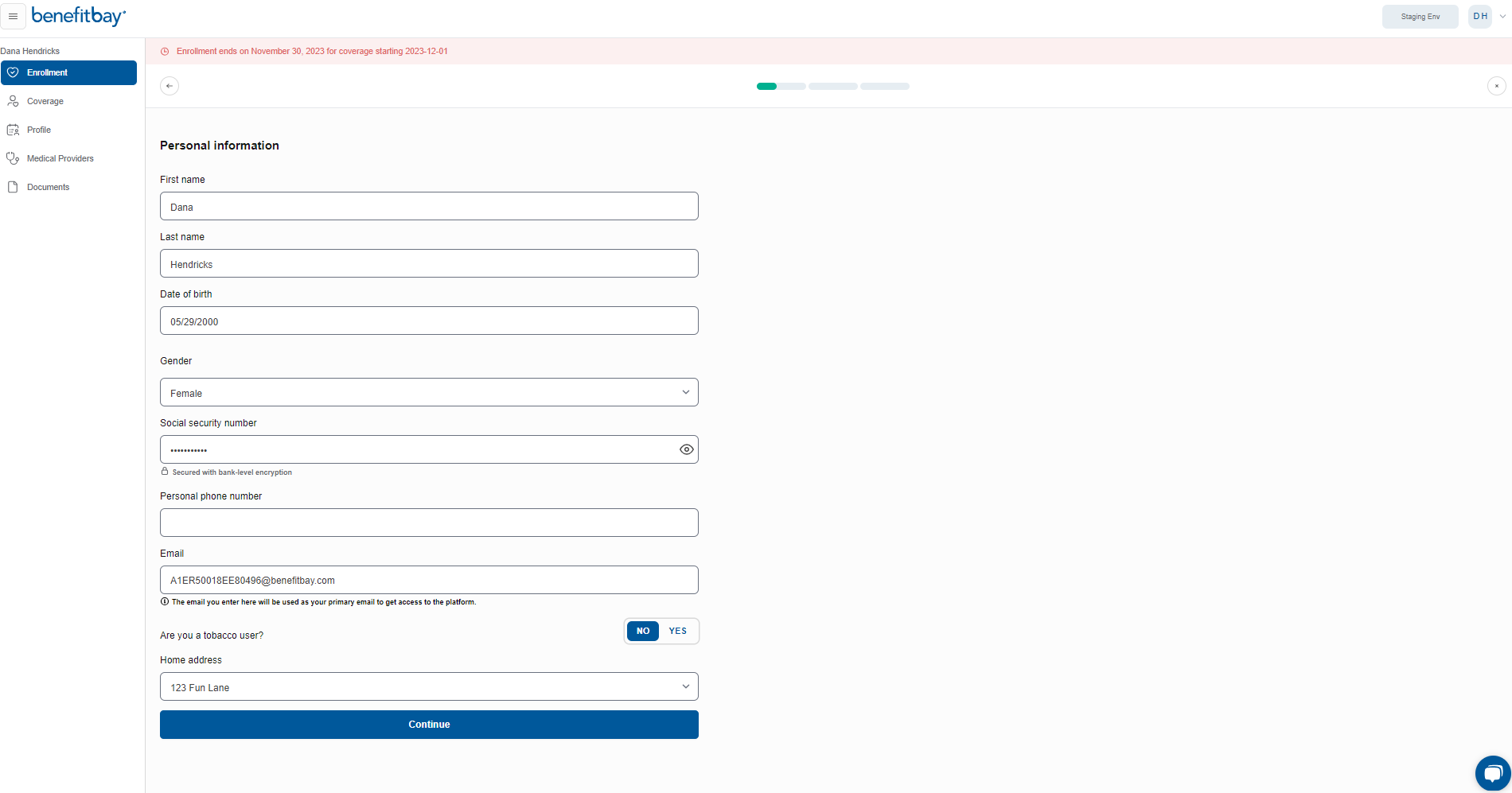
You will have the opportunity to review and verify your personal contact information. If you need to make any changes, you can edit the form. You will be prompted to enter a "Personal phone number" (if one is not entered) before continuing. You can make "Home address" changes later in the journey. Click the blue "Continue" button to move to the next step.
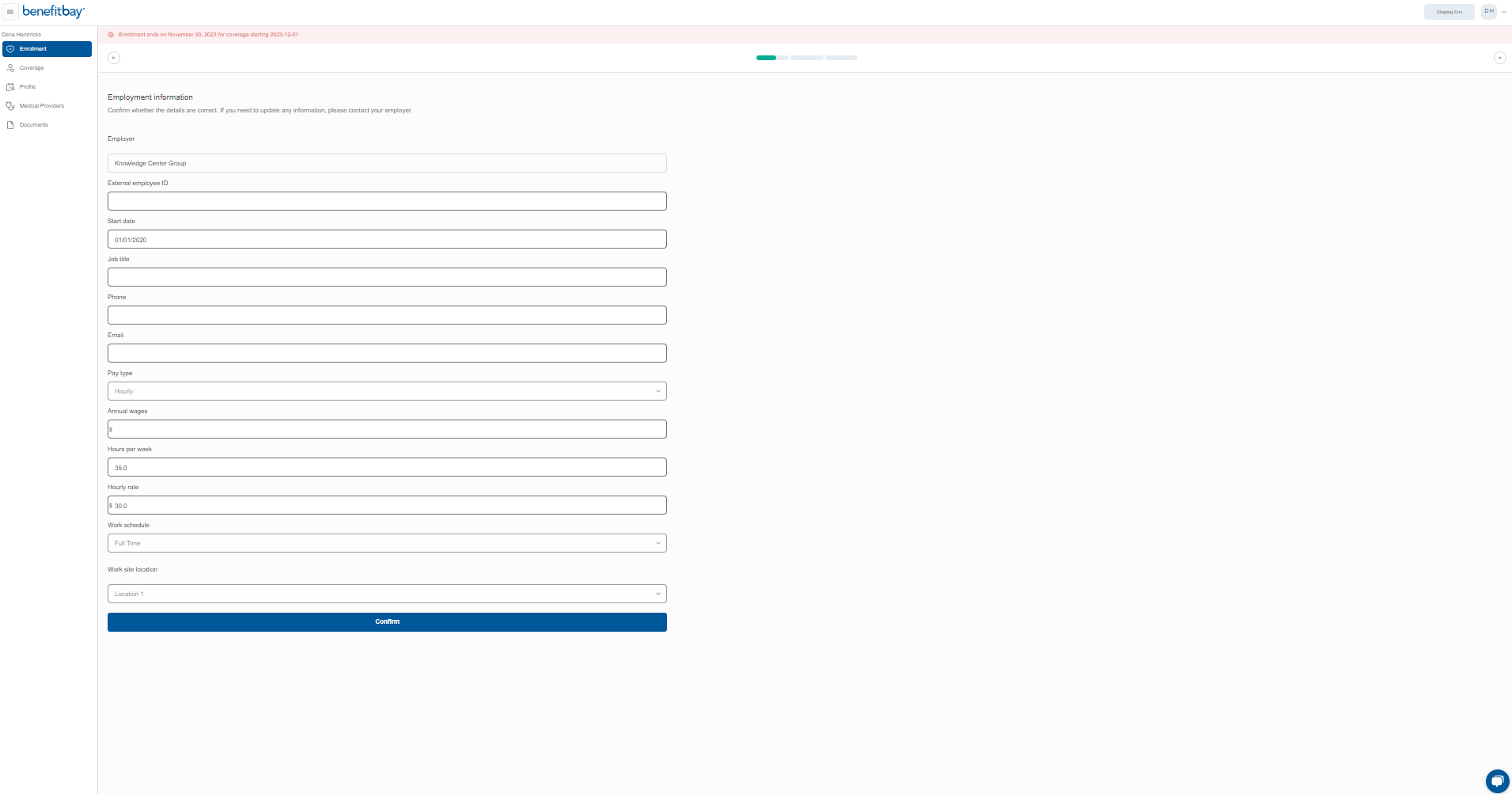
Next, you will be prompted to verify your "Employment information." If you need to make any changes, you will need to contact your Human Resources Department to make the changes.
If everything is correct, click the blue "Confirm" button to continue.
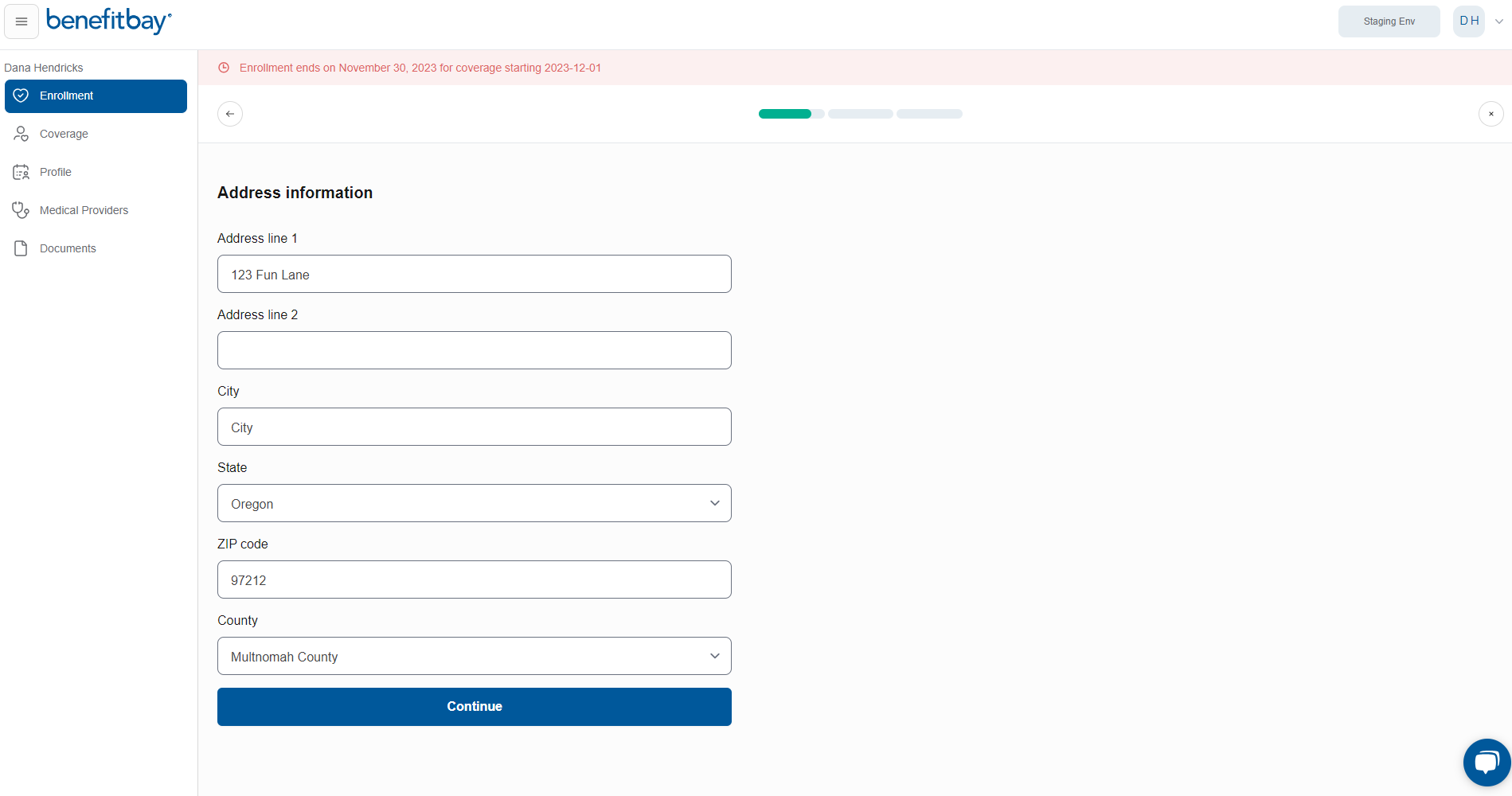
You can now make changes to your address if needed. If you do make any edits, we highly encourage you to update your employer as well. To move to the next step, click the blue "Continue" button.
Fun Fact: The zip code and county of your address is part of the data used to locate plans available to you!
CONGRATULATIONS! You have completed the first step of your ICHRA enrollment journey!